01/ 07
Install
Downloads CausalBridge and installs the causalbridge command in its own environment.
curl -fsSL https://raw.githubusercontent.com/Sullivan07043/CausalBridge/main/install.sh | shTerminal
$ curl -fsSL https://raw.githubusercontent.com/Sullivan07043/CausalBridge/main/install.sh | sh
Getting causalbridge-0.2.2-cp312-cp312-linux_x86_64.whl
Checking the wheel against the published sha256
Creating the environment (Python 3.12)
Installing CausalBridge 0.2.2 and its dependencies (PyTorch is large)

Installed CausalBridge 0.2.2: /home/you/.local/bin/causalbridge

Next steps:
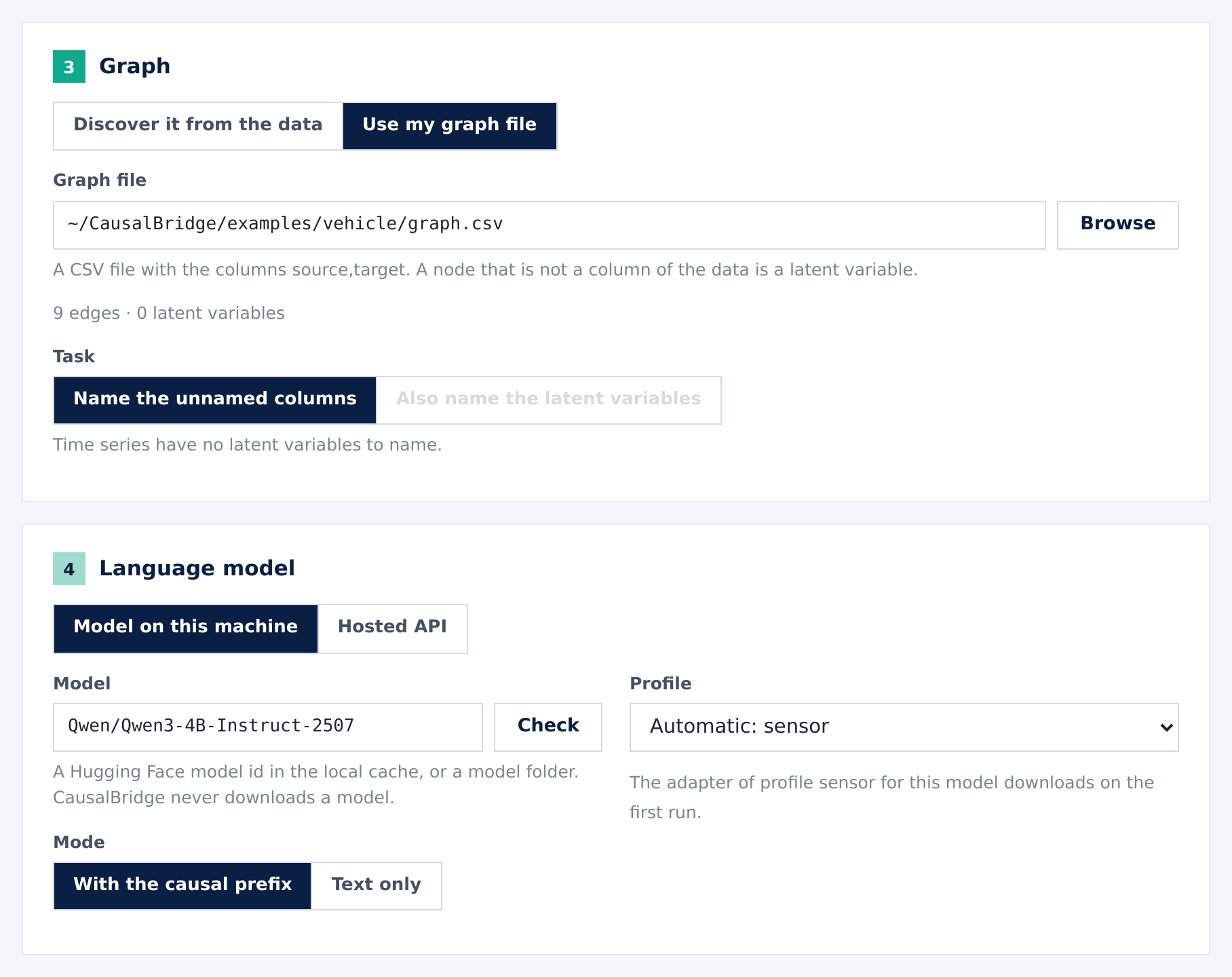
  1. Download a language model, for example Qwen/Qwen3-4B-Instruct-2507:
       /home/you/.local/lib/causalbridge/current/bin/hf download Qwen/Qwen3-4B-Instruct-2507
     A model on your GPU supports every feature.
     A hosted API supports text mode only, without the causal prefix.
  2. Start CausalBridge and open it in your browser:
       causalbridge activate
     Open it again: causalbridge gui    Stop it: causalbridge exit
  Command line: causalbridge --help